
Swing Profile is both a swing analysis tool and a coaching platform. When you create your account, the ‘Setup Your Profile’ screen asks you to choose a role: ‘Golfer‘ or ‘Coach‘.
Please note that the ‘Golfer’ and ‘Coach’ roles are separate from the Swing Profile ‘Elite’, ‘Coach’ and ‘School’ subscriptions. You do not need to purchase a subscription to start using the app in either role.
Golfer
Choose ‘Golfer’ if you use Swing Profile to record and train your golf swing. It is recommended for all users who wish to use Swing Profile as their personal swing analysis and training tool, including connecting and interacting with Swing Profile coaches through the app.
Coach
Choose ‘Coach’ if you use Swing Profile for coaching and managing students. The Coach role is tailored to coaches who wish to use Swing Profile as their coaching platform.
Alongside the Golfer features, the Coach role allows you to:
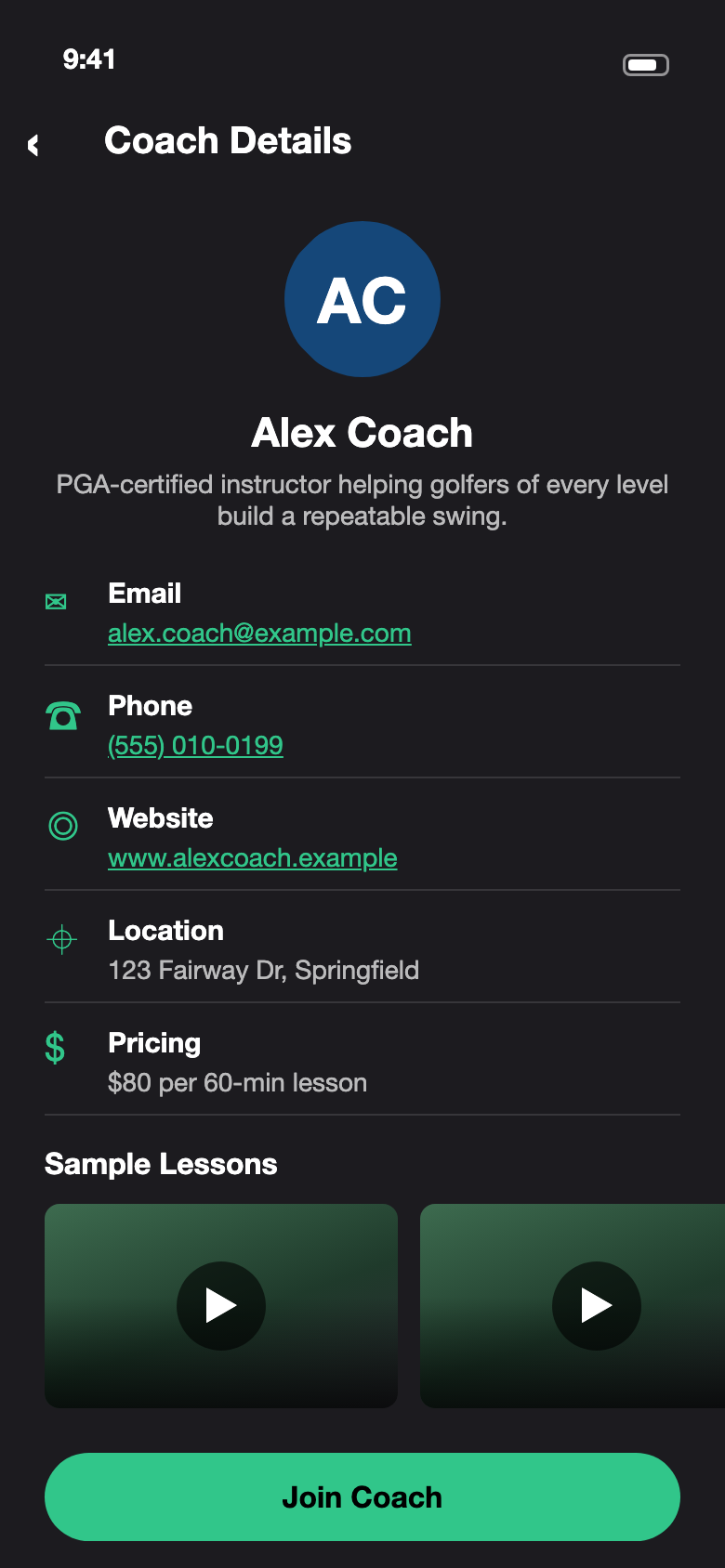
- Create and publish your coaching profile in the Swing Profile coach directory (publishing requires a Coach subscription)
- Organize and store videos into individual ‘student lockers’
- Invite and connect with other Swing Profile users for quick and easy video sharing



We recommend using the Coach role on the iPad as the spacious screen size is convenient for coaches as they record and analyze videos for their students.
For more information about the Swing Profile Coach app, check out our quick 3-minute demonstration.

