
If you have logged into your Swing Profile account for the first time on a new Apple device, Swing Profile will automatically reload your active subscription onto your account for the device.
Should you also wish to manually reload your subscription:
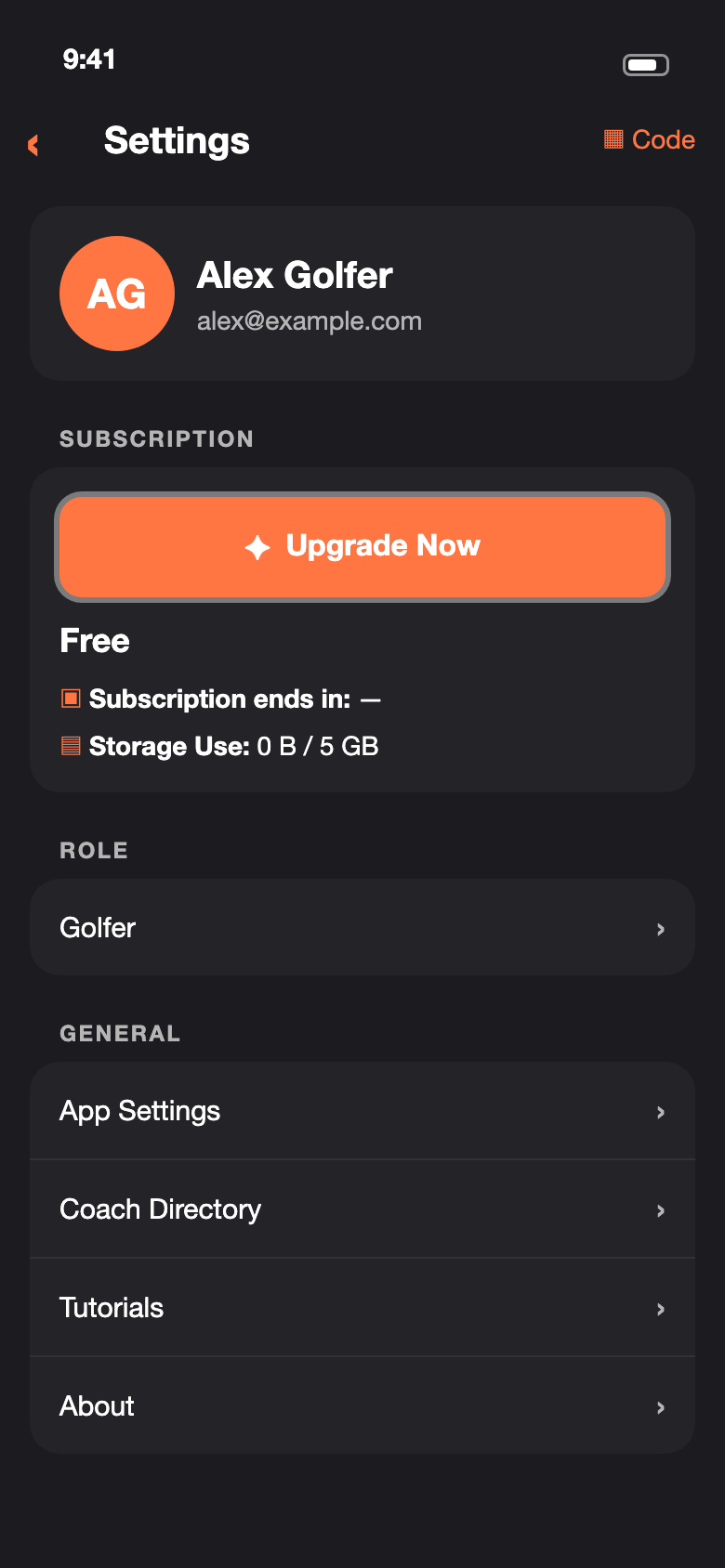
1. Tap ‘Settings‘ in the bottom bar, then tap ‘Upgrade‘ in the ‘Subscription’ section.
2. Tap the ‘Restore’ button at the top-right corner of the Upgrade screen.

3. After a brief pause, a ‘Purchases restored’ message will show on the screen, to indicate that the restore process has been completed. If no purchase is found, ‘No purchases found to restore’ will show instead.