
Once you have downloaded Swing Profile on your iPhone, iPad or Mac, follow these steps to create your Swing Profile account.
- Open the Swing Profile app and tap ‘Sign Up or Log In‘.
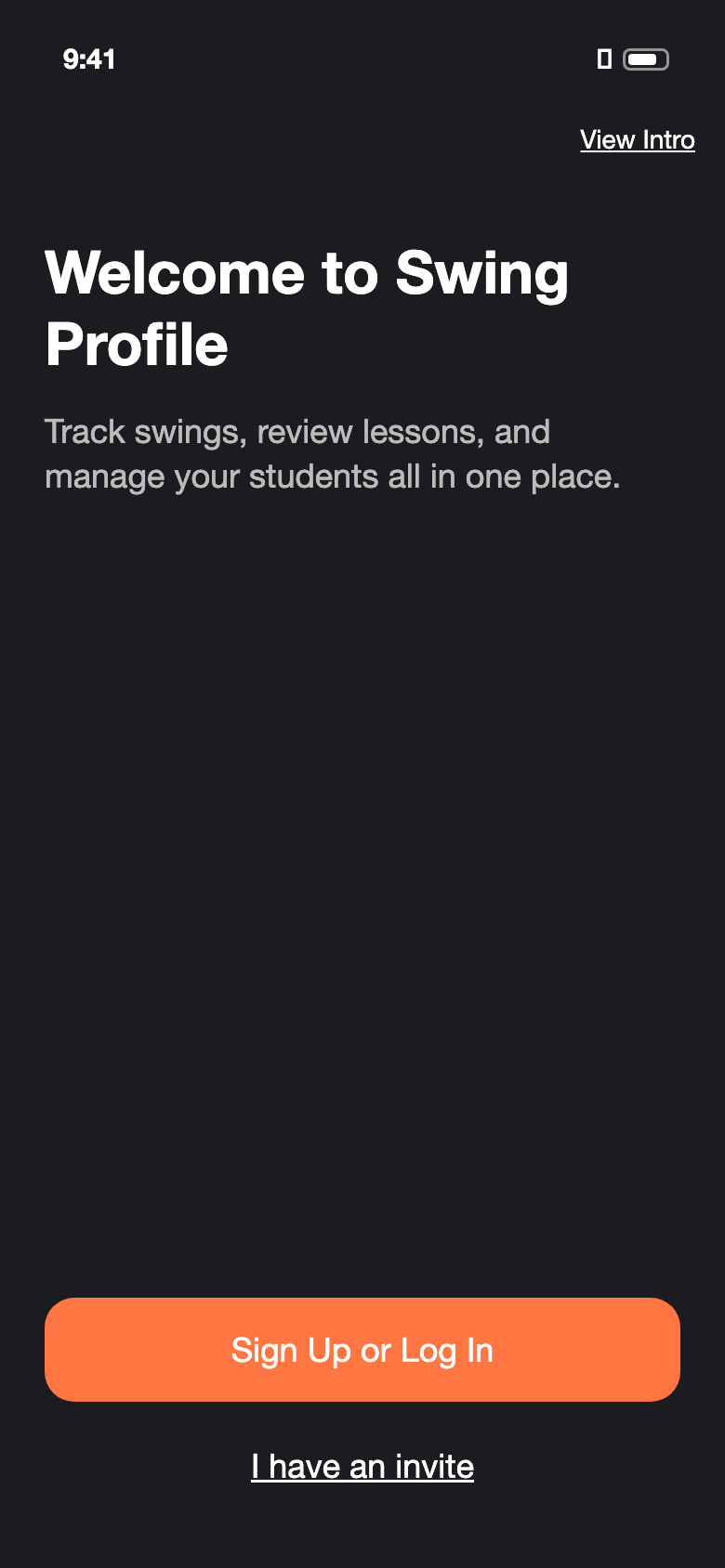
- Enter a valid email address and a password, then tap ‘Create New Account‘.
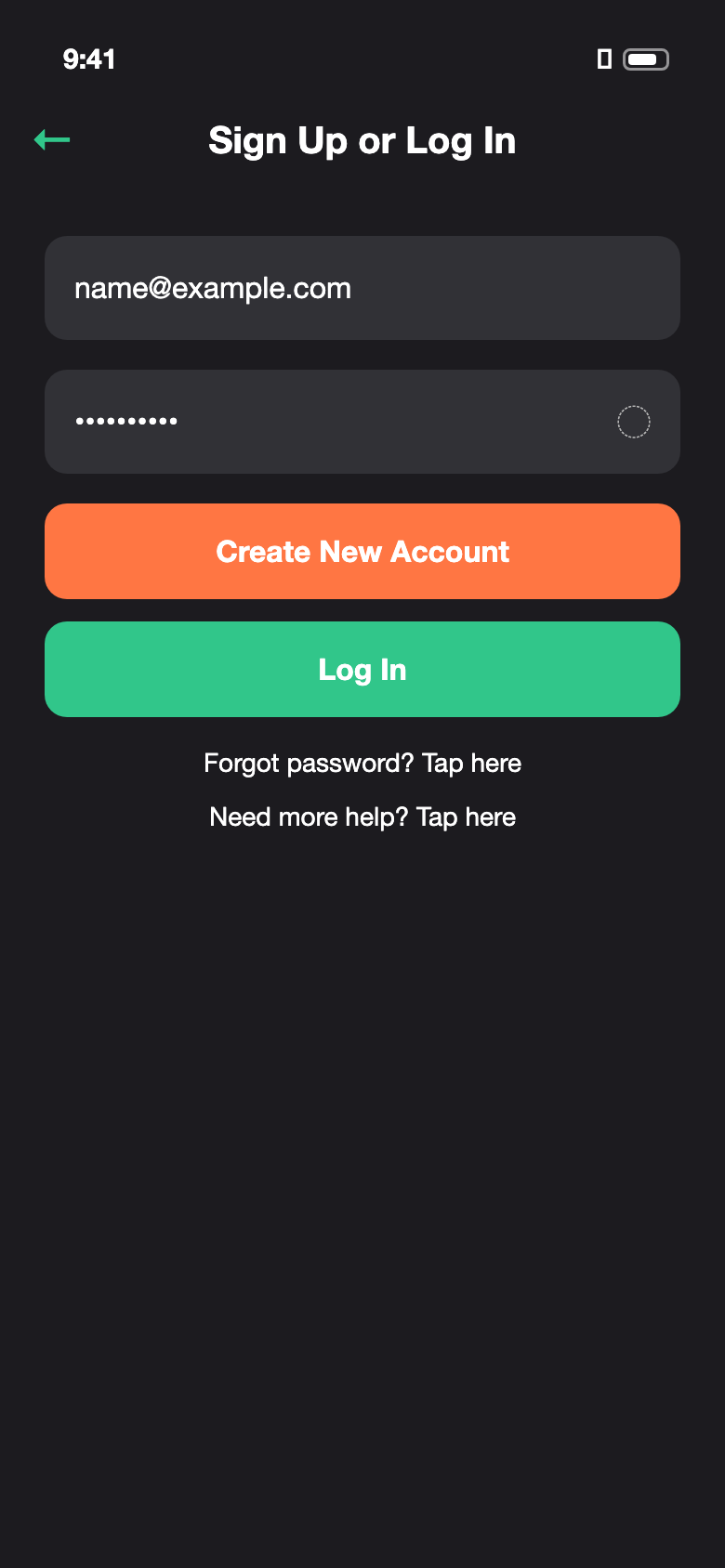
- Read the Terms and Conditions, then tap ‘Accept‘ to continue.
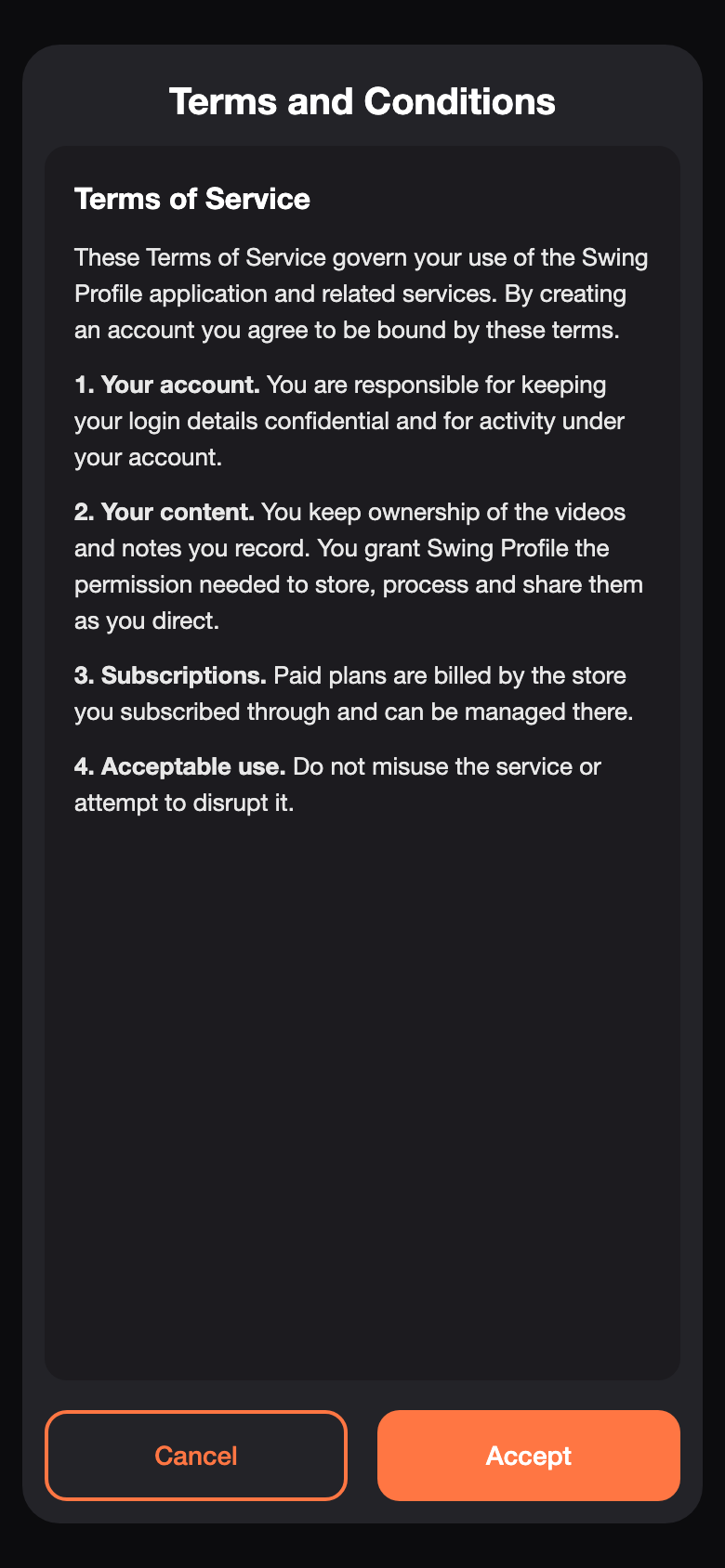
- On the ‘Setup Your Profile’ screen, enter your first name (last name is optional) and choose your role, then tap ‘Let’s Start‘.
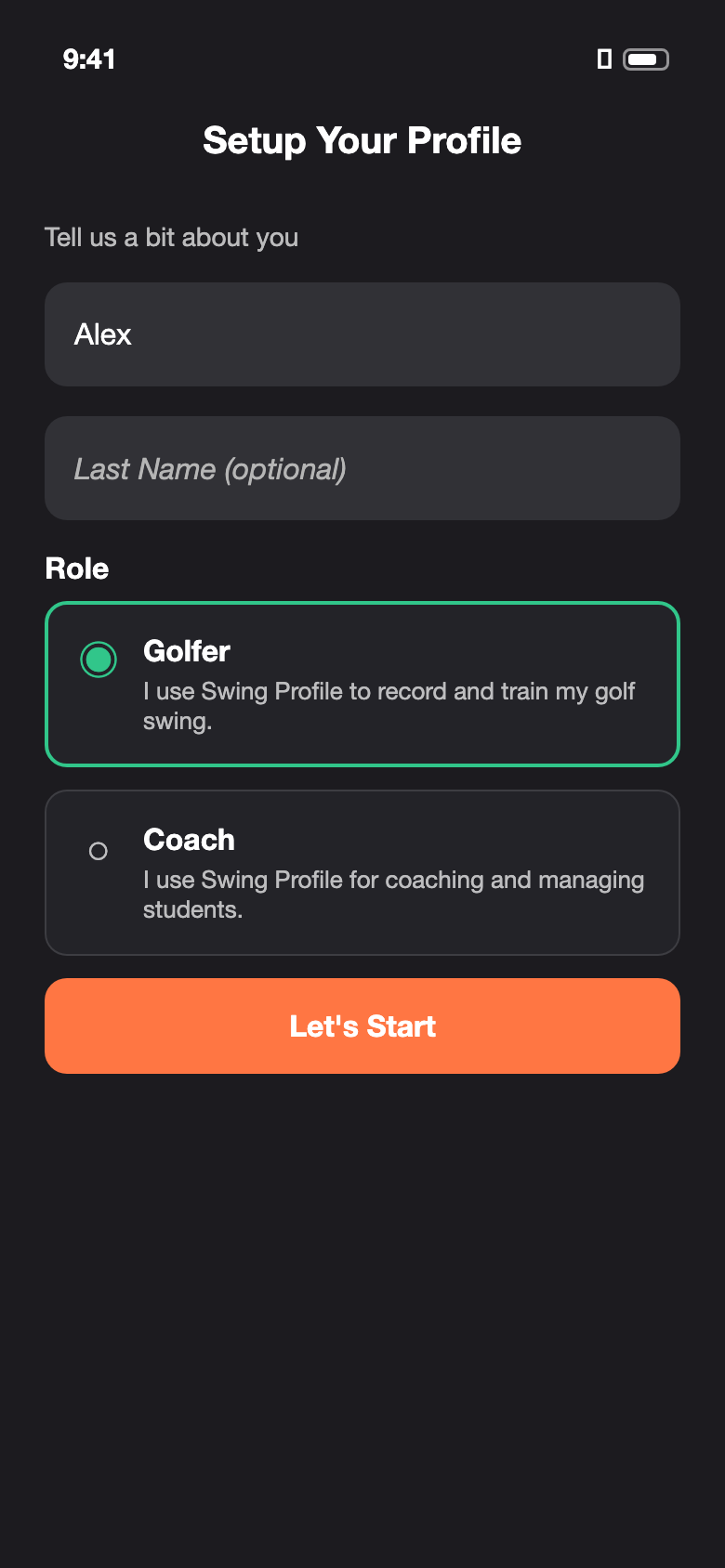
- Select ‘Golfer‘ if you wish to use Swing Profile to record and train your golf swing, and interact with golf coaches in the Swing Profile community.
- Select ‘Coach‘ if you wish to use Swing Profile as your coaching platform, advertise your services, and grow your community of students.
Have an invite? Tap ‘I have an invite‘ on the welcome screen and enter your invite code. The invite will be added to your account when you tap ‘Let’s Start’ in step 4.
Forgot your password? See How to reset your password.

